The shared watchlist for your next movie night.
Keep the films you mean to watch on one shelf you share with your partner. When movie night comes, pull a couple off the shelf, watch the trailers, and pick a winner — no endless scrolling, no “I don’t know, what do you want to watch?”

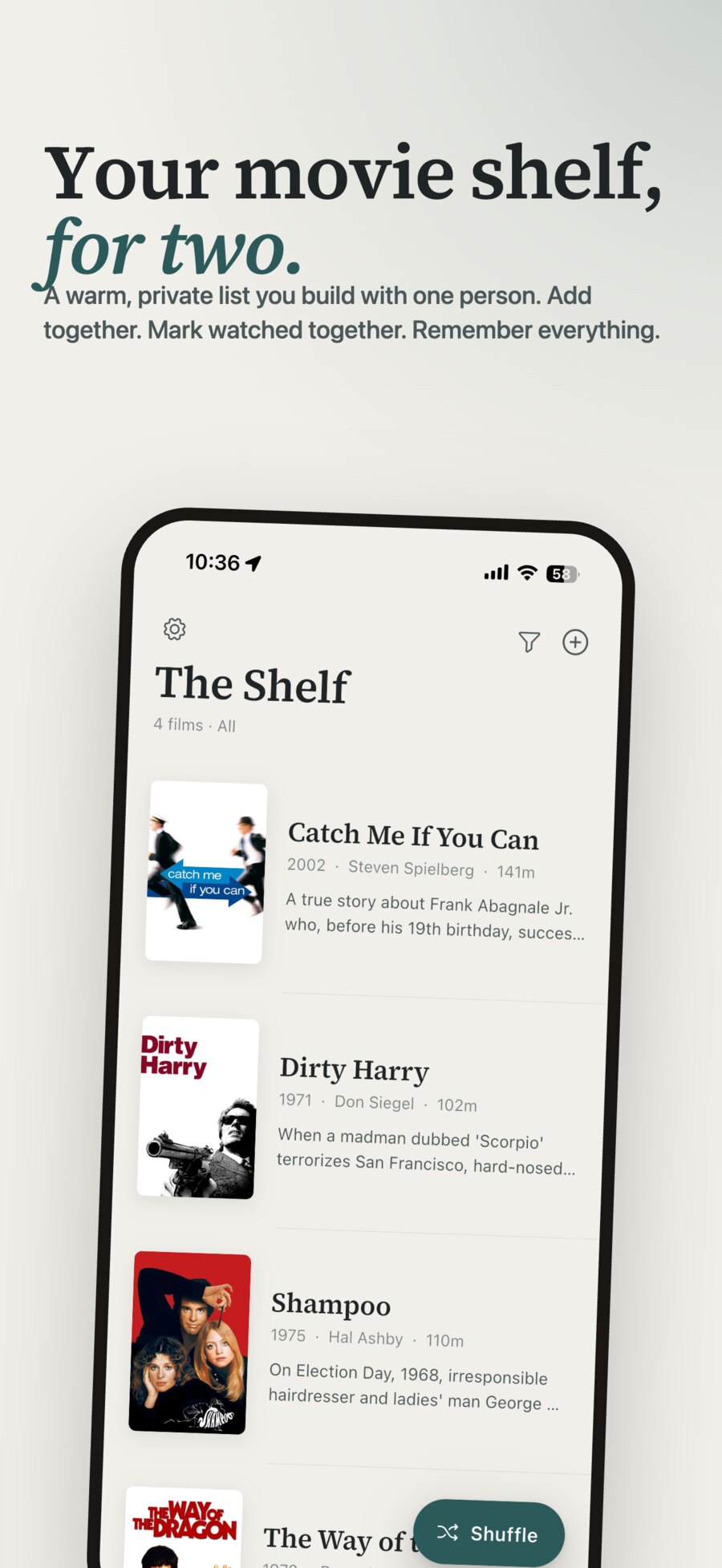
A shelf, not just a list.
A plain watchlist turns into a graveyard of titles you no longer recognize. Films Shelf is built so the movies stay alive — easy to remember, easy to choose, easy to share.
It remembers, so you don't
Every film keeps its poster, year, runtime, and trailer right there on the card. Your watchlist never decays into a wall of half-remembered titles you can't place anymore.
It helps you choose
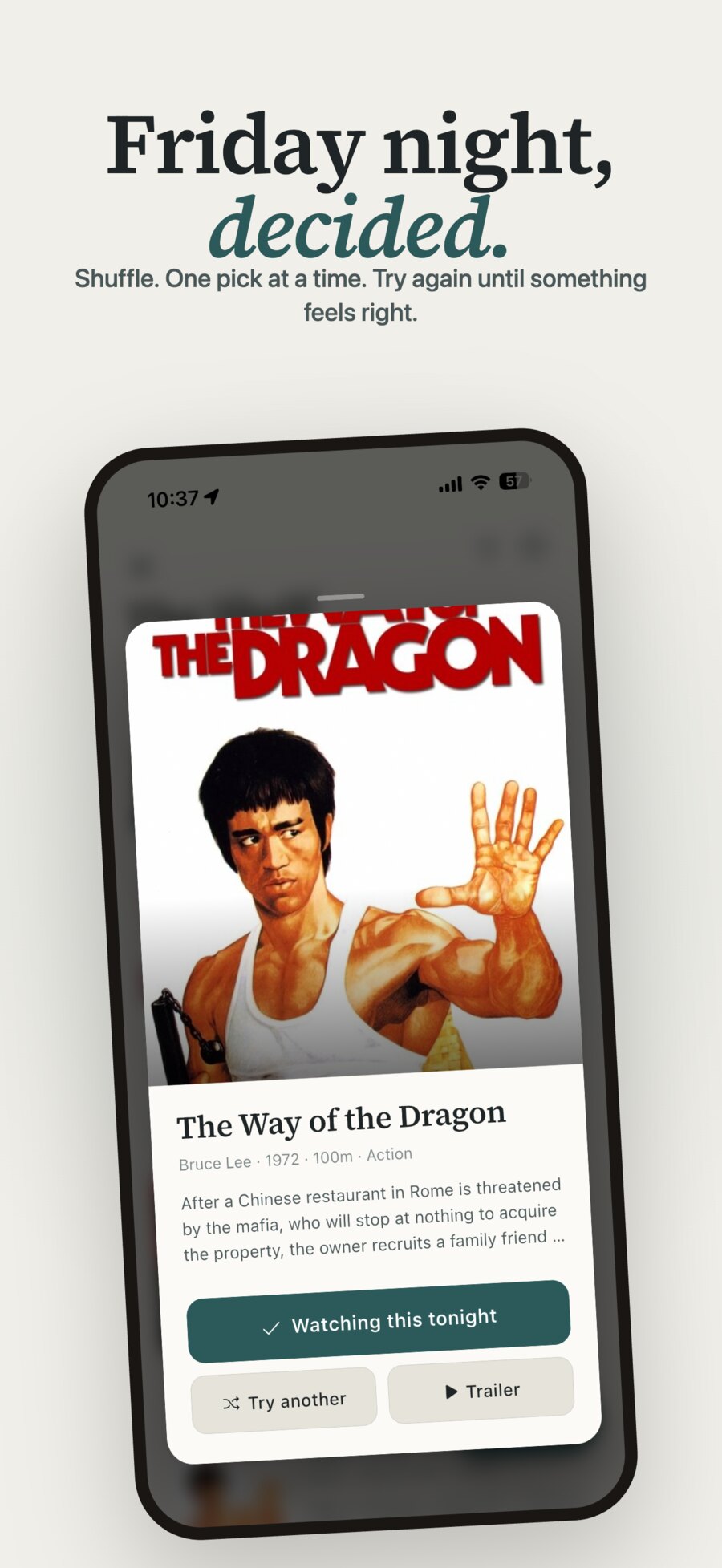
Browse the shelf, or let Shuffle hand you one film at a time and reroll until something clicks. No more twenty minutes of scrolling before anyone presses play.
Yours, and shared
Keep one shelf with your partner — both of you add, mark watched, and leave notes, and it stays in sync on both phones. It's your list, not a feed selling you a subscription.
Save it, find it, watch it.
Everything movie night needs.
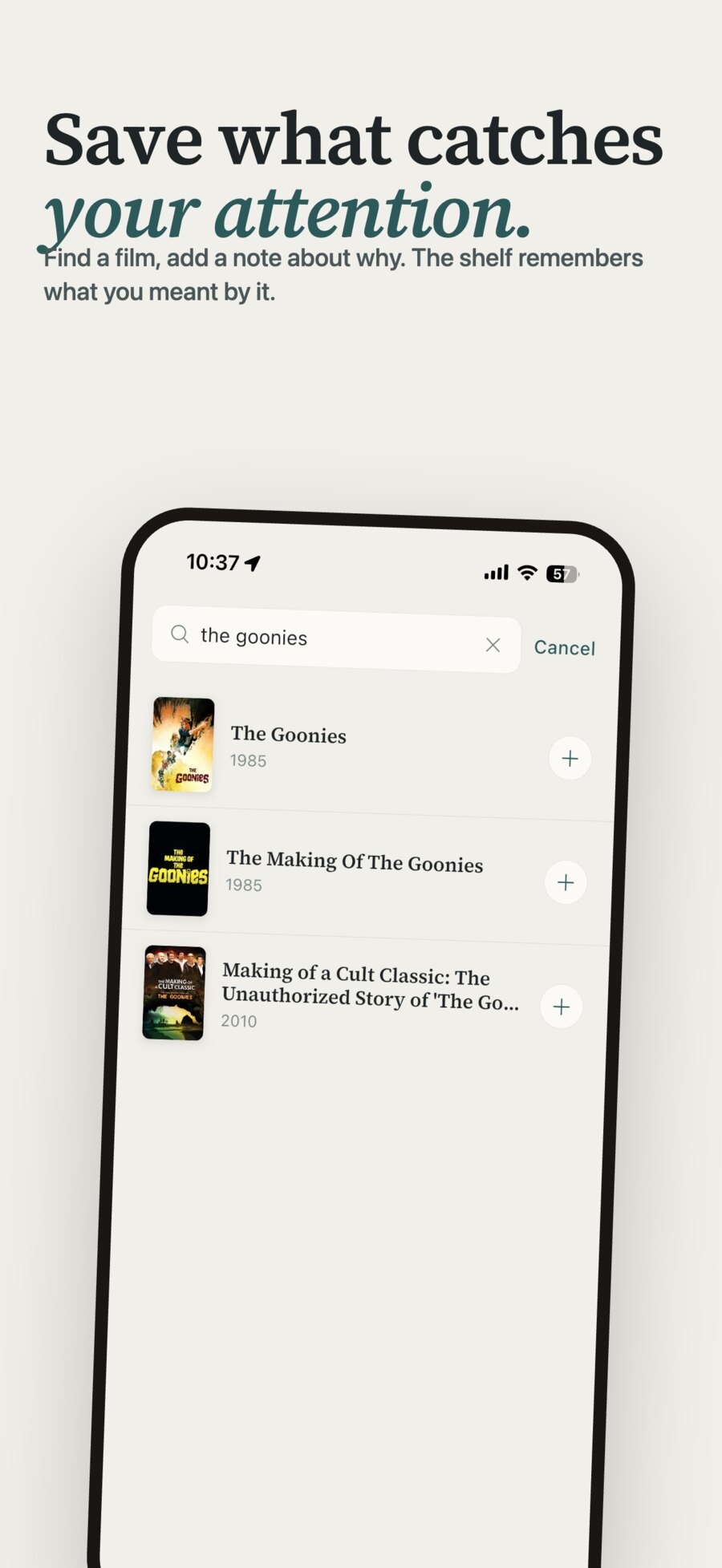
Save it in seconds
Search by title, director, or a half-remembered plot, then tap to add. The poster, year, runtime, and description fill themselves in.
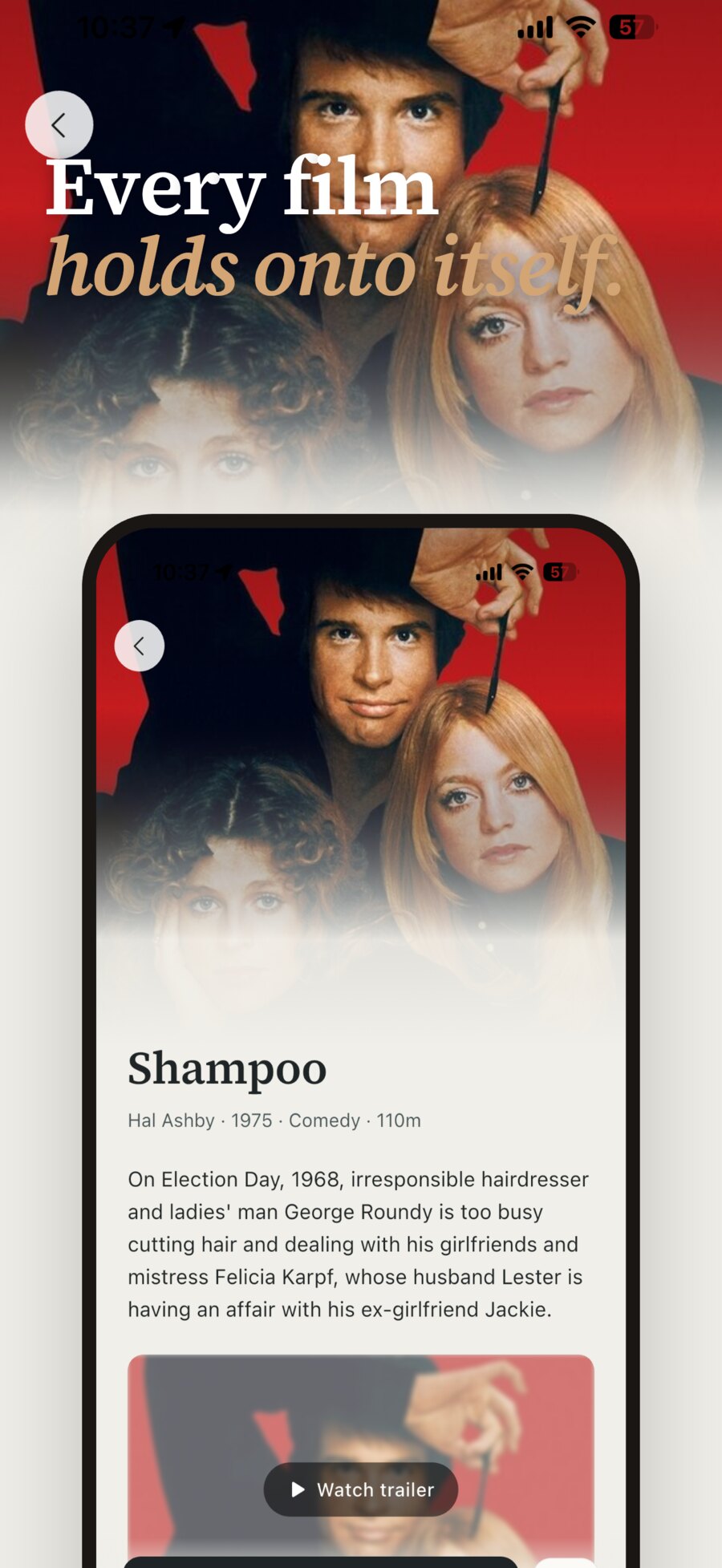
The whole film on one card
Poster, description, runtime, and the trailer, together — enough to decide without opening five other apps.
Shuffle to decide
One film at a time, on demand. Reroll until you land on tonight's pick, then start the trailer right there.
A record you keep
Films you've watched stay on the shelf as a quiet record of what you've seen and when — an archive that builds itself.
Start your shelf tonight.
Save the films you mean to watch, share the shelf with your partner, and make picking one the easy part. For iPhone.

Before you download.
- Search by title, director, or even a rough description, then tap to add it. The poster, release year, runtime, and synopsis fill themselves in automatically, so the card is complete the moment it lands on your shelf.
- Shuffle hands you one film at a time from your shelf, so you don’t have to scan the whole list. If it’s not the one, reroll — as many times as you like — until something feels right. Then watch the trailer and start your night.
- Yes. You can share a single shelf with one partner — both of you can add films, mark them watched, and leave notes, and the shelf stays in sync on both phones. It’s built for the two-person movie-night ritual.
- Posters, descriptions, runtimes, and trailers come from The Movie Database (TMDB), the same catalog behind many movie apps. Films Shelf uses the TMDB API but is not endorsed or certified by TMDB.
- Your shelf lives in your own iCloud account, not on our servers — there are no accounts and no sign-in. We don’t see your shelf, and we don’t want to. Full detail is in the Privacy Policy.
- Email contact@bbmaxwell.dev — I read every message personally. When reporting a bug, your iPhone model and iOS version help me reproduce it faster.